
Sleep deeper.
Focus longer.
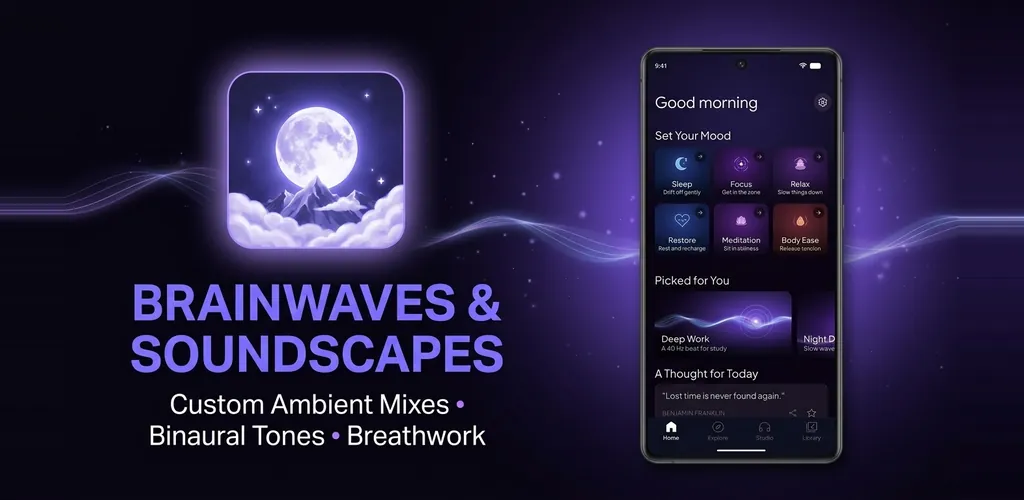
Binaural beats, calm sounds you can mix yourself, and guided breathing. All in one quiet app.

What's inside
155 brainwave sessions
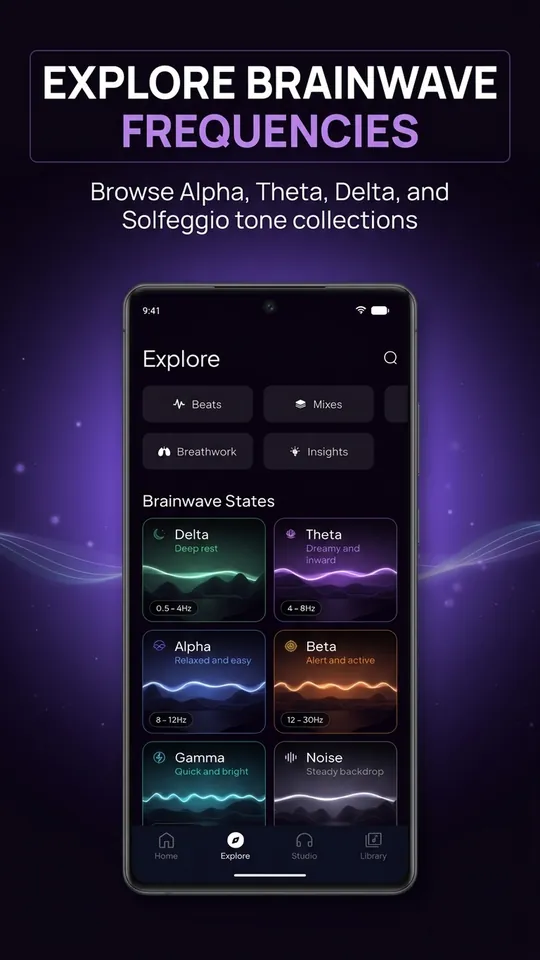
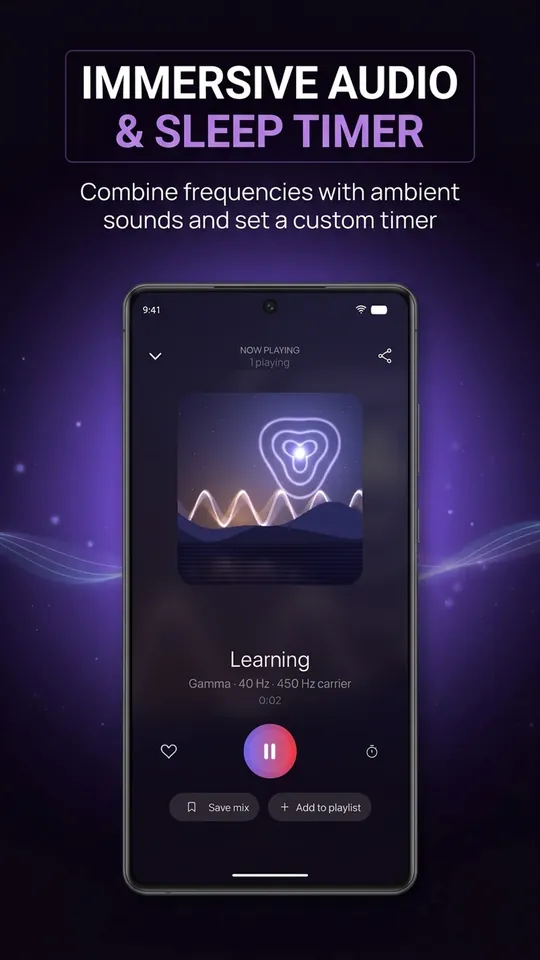
Binaural beats for sleep, focus, meditation, mood and body, plus Solfeggio tones from 174 to 963 Hz and planetary frequencies.
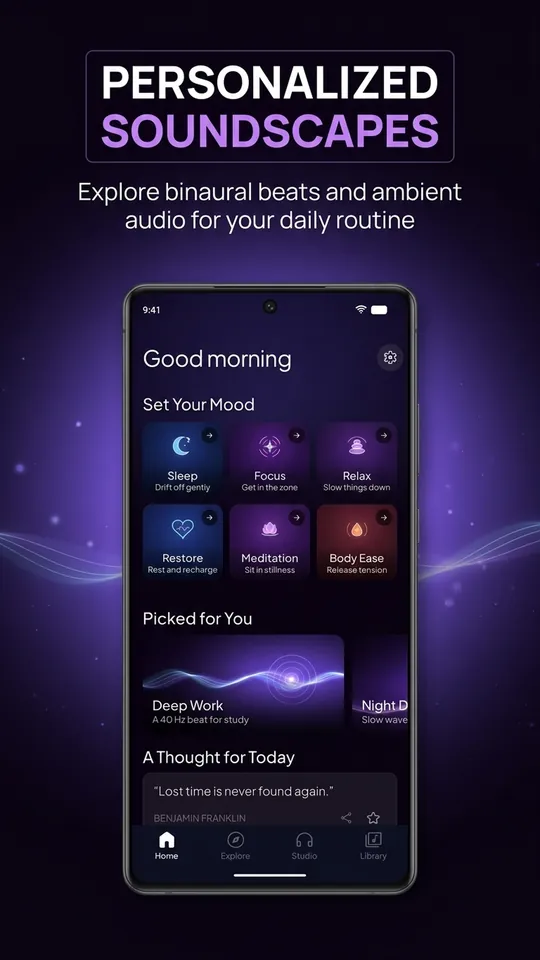
Pick a goal
Sleep, Focus, Relax, Restore, Meditation or Body Ease. Start a session in one tap.
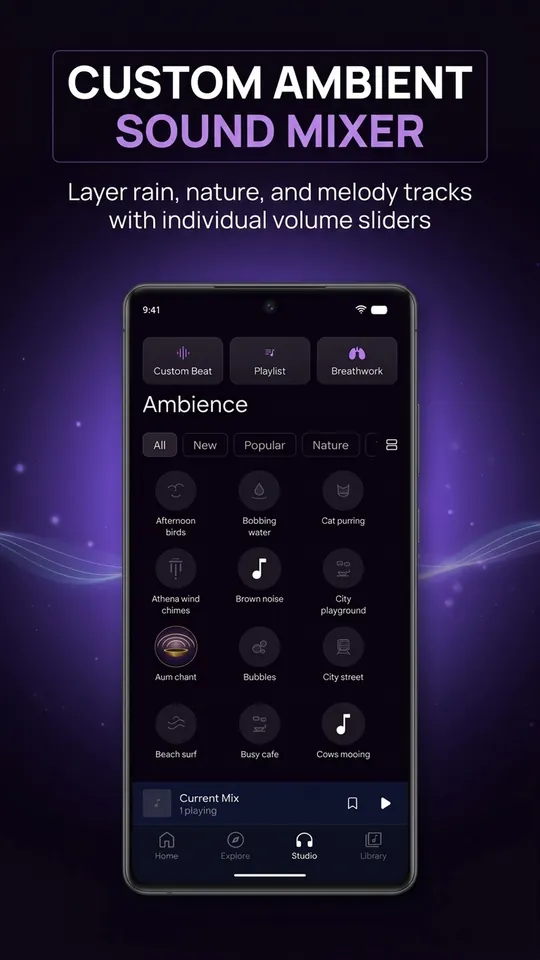
Mix your own sounds
55 sounds: nature, water, birds, chimes, rooms, city, plus white, pink and brown noise. Layer them in the Studio and save your mix.
Guided breathing
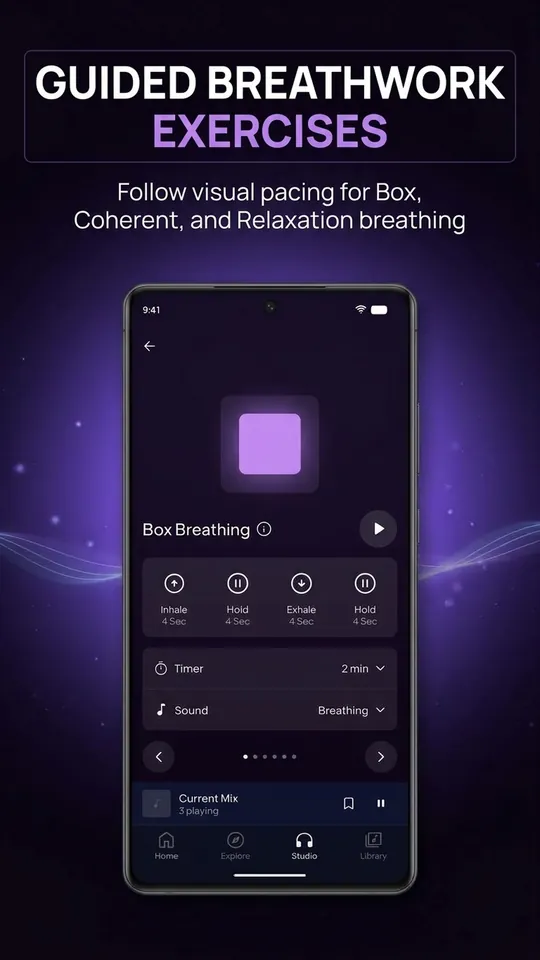
Box, Coherent, 7-11, Anchor, CO2 and Relaxation breathing with a visual pace guide.
Build your own beat
Set the carrier and beat frequency yourself, then keep it in a playlist.
Made for bedtime
Sleep timer, plays with the screen off. Beats and the built-in sounds work offline.
How binaural beats work
Each ear hears a slightly different tone, for example 200 Hz on the left and 206 Hz on the right. Your brain notices the 6 Hz difference as a gentle pulse. Many people use these pulses to wind down before sleep or settle into focus.
Use headphones for binaural beats. Sleepify is for relaxation and wellbeing. It is not a medical device and does not diagnose or treat any condition. Do not listen while driving.
Screenshots
Free and Premium
Free
A selection of beats, sounds and breathing exercises, the sleep timer, your own beats and playlists. Supported by ads.
Premium
Every beat, sound and breathing exercise, isochronic tones that work without headphones, unlimited saved mixes, and no ads. Yearly plan with a 7-day free trial, or monthly.
Questions
Do I need headphones?
For binaural beats, yes: each ear must hear its own tone. Sounds, breathing and isochronic tones (Premium) also work through a speaker.
Does it work offline?
Yes. Beats are generated on your phone and 19 sounds are built in. Premium sounds download the first time you play them and are then kept for offline use.
When am I charged?
If your plan starts with a trial, the first payment is taken when the trial ends. Cancel before then and you pay nothing.
How do I cancel?
Open Google Play, tap your profile picture, go to Payments & subscriptions, then Subscriptions. Choose Sleepify and tap Cancel subscription.
Does Premium work on my other devices?
Yes. Premium is tied to your Google account, so any Android device signed in to the same account can use it. If it does not appear, tap Restore purchase on the Premium screen.